
Street-by-street running · Helsinki
Run every street in your city
Asphalt Warriors counts every street you've run, then plans routes through the ones you haven't. Record on your Garmin like you always do. Open the app and watch your city fill in.
Works with Garmin
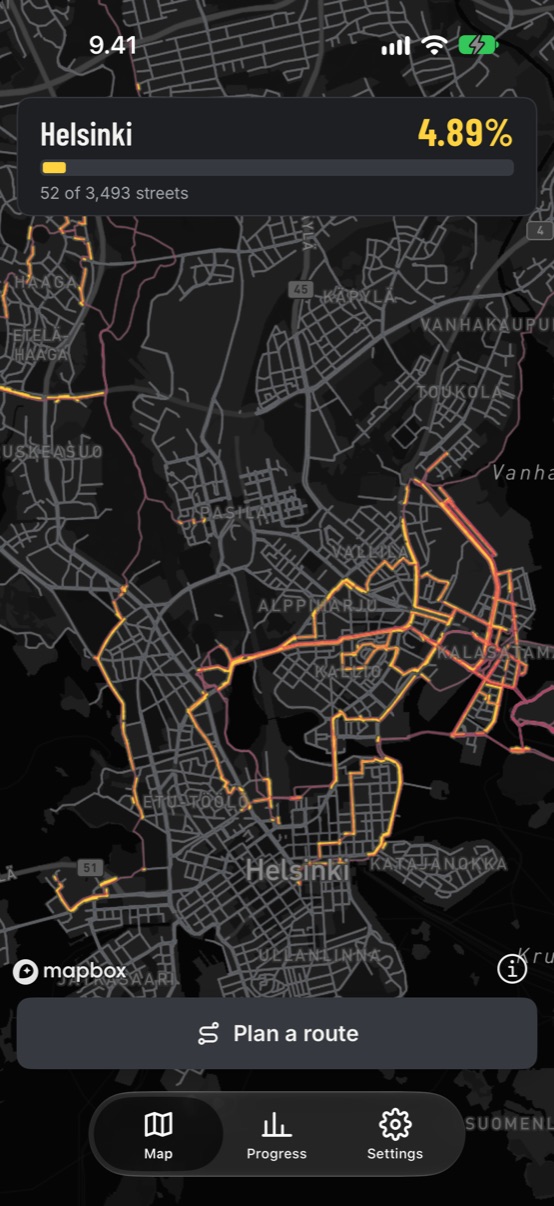
Helsinki
4.89%
+1.05% since your last visit
Streets in Helsinki
3,493
Districts to complete
55
Every bit of progress shows
0.01%
The route planner
Routes that go where you haven't
Tell it how far you want to run. The planner searches every street in reach and builds routes that spend as much of the distance as possible on streets you haven't captured yet.
Pick a distance
5, 8, 12 km or whatever today's run is. The planner fits new streets into it.
Loop or one way
Run a loop back to your start, or finish at a metro station and ride home.
Start anywhere
From your default start, a metro station, a long-pressed spot on the map, or right inside the district you want to finish.
Three routes, one tap to export
Swipe through the suggestions, see the new kilometres on each, and export the one you like as GPX.
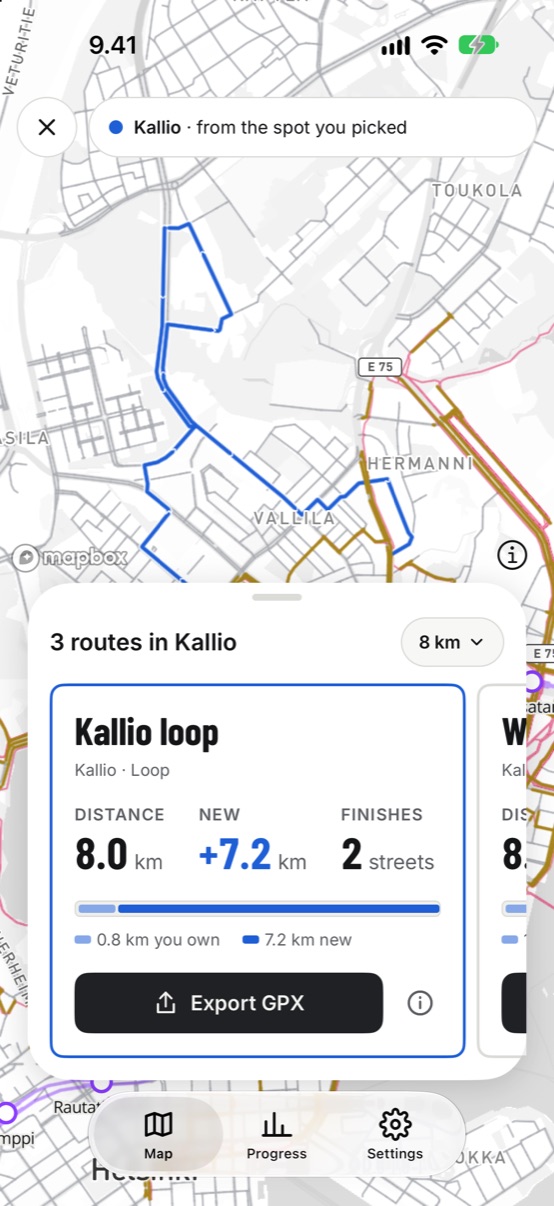
Kallio loop
Kallio · Loop
Distance
8.0km
New
+7.2km
Finishes
2streets
0.8 km you own
7.2 km new
Export GPX
What it does
Your runs, turned into a map you own
Asphalt Warriors doesn't record runs. It reads them from Garmin, works out which streets they covered, and shows you where to go next.
Every street counts
Each street has a few checkpoints along its length. Collect them all, in one run or several, and the street turns yellow.
Automatic route planning
Pick a distance and get loops from your usual start that run through streets you haven't captured yet.
Export to your watch
Save a route as GPX, load it into Garmin Connect as a course and follow it on your wrist.
Since your last visit
Open the app after a few runs and see what they added up to: new streets, kilometres and your city coverage before and after.
District by district
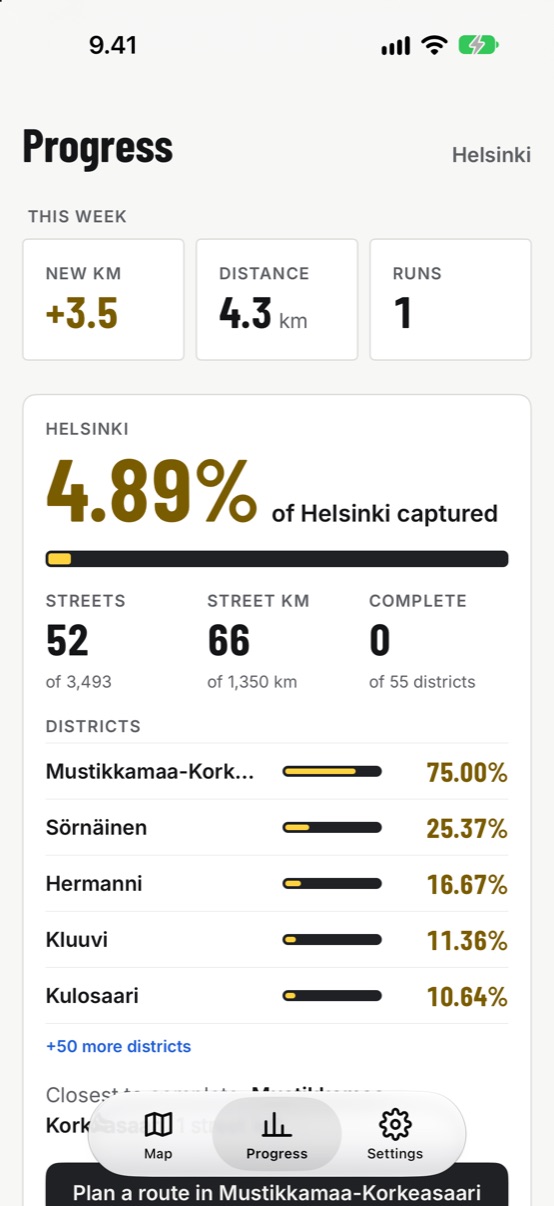
See how much of Kallio, Vallila or Töölö is yours, which district is closest to complete, and the streets still left.
No account, no tracking
There's nothing to sign up for. Your Garmin key and your map stay on your phone, and the app never uses your live location.
The loop
Run, open, plan the next one
Run with your Garmin
Record runs on your watch like you do now. Asphalt Warriors never records anything itself.
Open the app
It opens on your last map, syncs new runs from Garmin and lights up the streets they captured.
Plan and export
Choose a route through new streets, export the GPX to your watch and head out.
Inside the app
Built around the map
Three tabs: Map, Progress and Settings. Light and dark, both first-class.
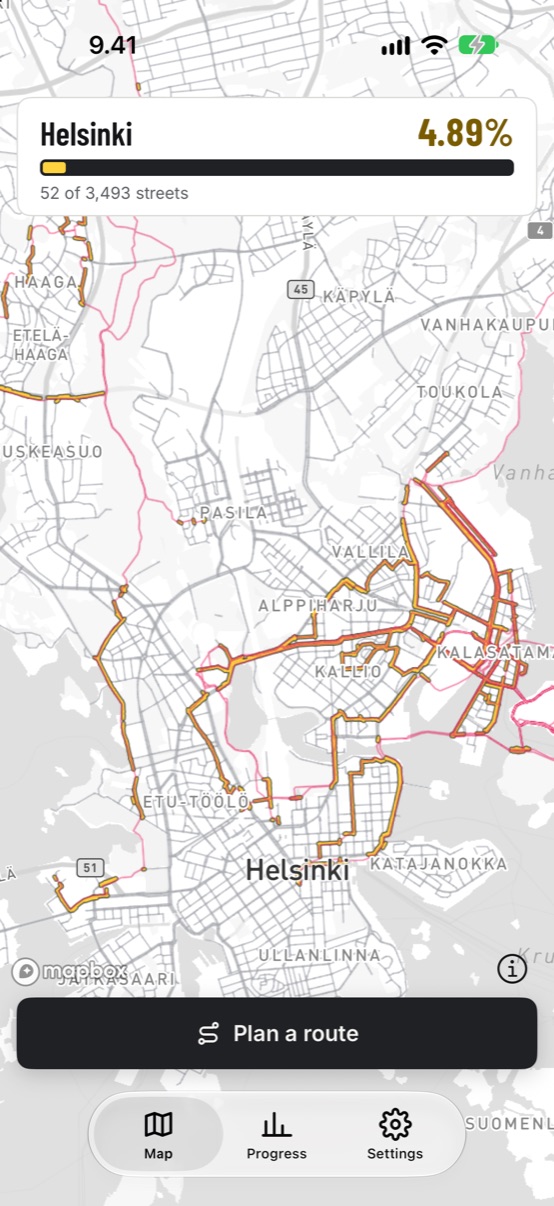
Map
Captured streets in yellow, your city share on top.
Plan a route
Light blue where you've been, bold blue where you haven't.
Progress
This week, the whole city and every district.
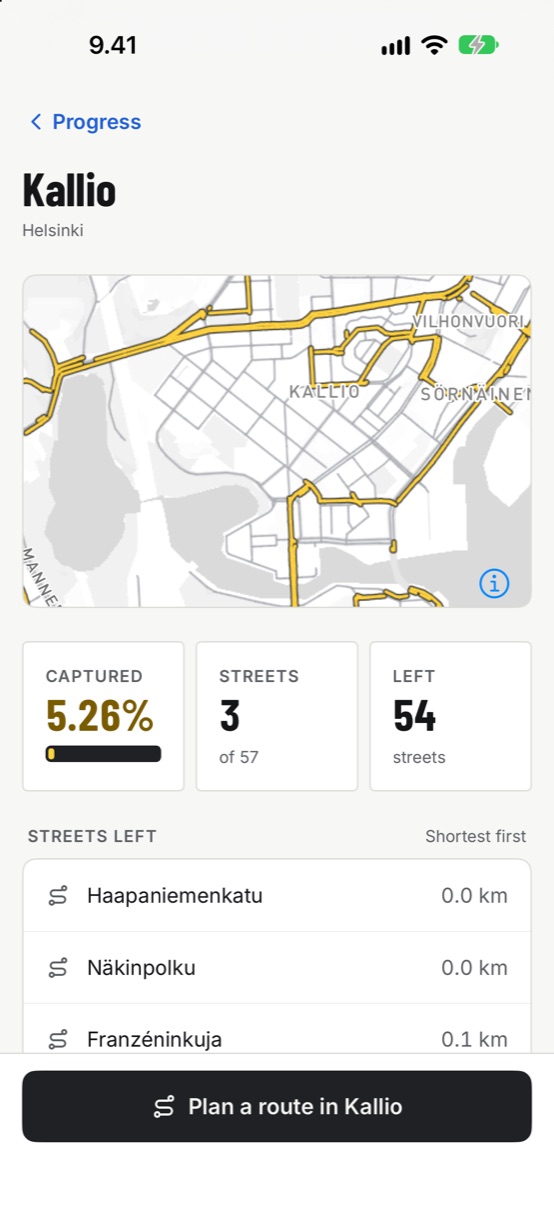
Districts
The streets left, shortest first.
Dark map
Road-marking yellow on night asphalt.
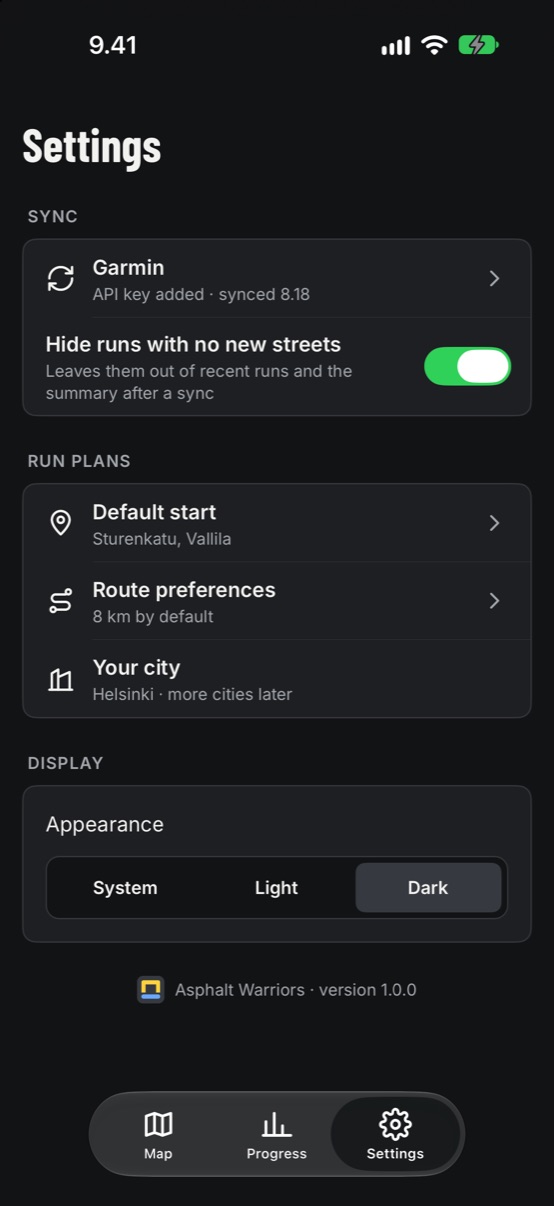
Settings
Garmin key, default start and route preferences.
Good to know
Questions runners ask
Yes, for now. Asphalt Warriors reads your runs from Garmin Connect and doesn't record runs itself. Other watches and apps may follow later.
With a personal API key from Garmin's Connect developer program. You paste it in once, the app checks it with Garmin, and new runs sync every time you open the app. Your first sync can pull in your whole run history.
Every street is split into a few checkpoints along its length. A street is captured once you've passed all of them, across one run or several. Running half a street gets you closer, not the whole street.
Tap Export GPX on the route you like. Import the file at connect.garmin.com under Training → Courses, then send the course to your watch. Direct sending to Garmin may come later.
Helsinki, with 3,493 streets in 55 districts. The app is built for any city, and more will follow.
No. Streets come from the runs you already recorded on Garmin. You set your usual start by tapping the map, and the app never follows you around.
Asphalt Warriors is getting ready for its iPhone launch. This page will link straight to the App Store as soon as the listing is live.
Your city has streets you've never run
Asphalt Warriors is almost ready. Soon your next run will start with a map of the ones still waiting.